Build the care network
Add the Senior, Family Admin, family members, primary and backup Rukshaks, responders, doctor, and preferred chemist.
Ruxum gives adult children, siblings, an elderly parent, and trusted local Rukshaks one shared care situation. See what should happen, what needs follow-up, and who owns the next action without rebuilding the day from calls and chat messages.
Distance makes small gaps harder to interpret. Ruxum keeps the care plan and its current state together so the family can focus on exceptions instead of checking every detail by phone.
Add the Senior, Family Admin, family members, primary and backup Rukshaks, responders, doctor, and preferred chemist.
Create repeating check-ins, visits, medicine support, meals, walks, and other household-specific tasks.
Keep the assigned person, status, timing, notes, and next action attached to the same care item.
Bring missed, delayed, low-stock, or unresolved work forward instead of letting it disappear into a message thread.
Track provider, time, status, outcome, report notes, next appointment, and the required follow-up.
Keep response ownership and hospital-readiness context visible while emergency services remain directly available.
The daily view combines tasks, medicine state, open exceptions, bounded health context, and ownership into one calmer answer for the family.
Care today reflects information recorded or available to Ruxum. It is not independent proof that a visit, medicine dose, or other care action occurred.
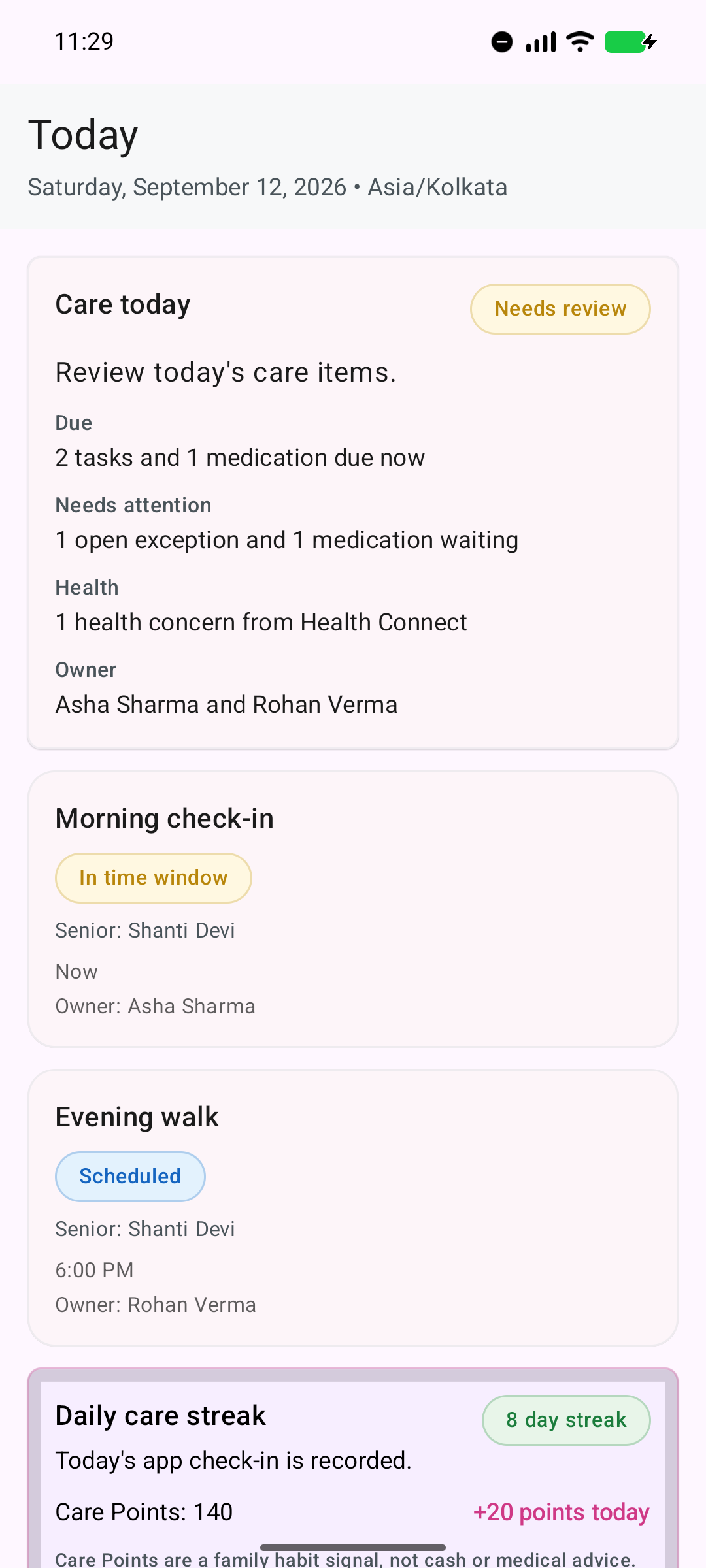
See the current care picture without exposing every family member to every setup screen.
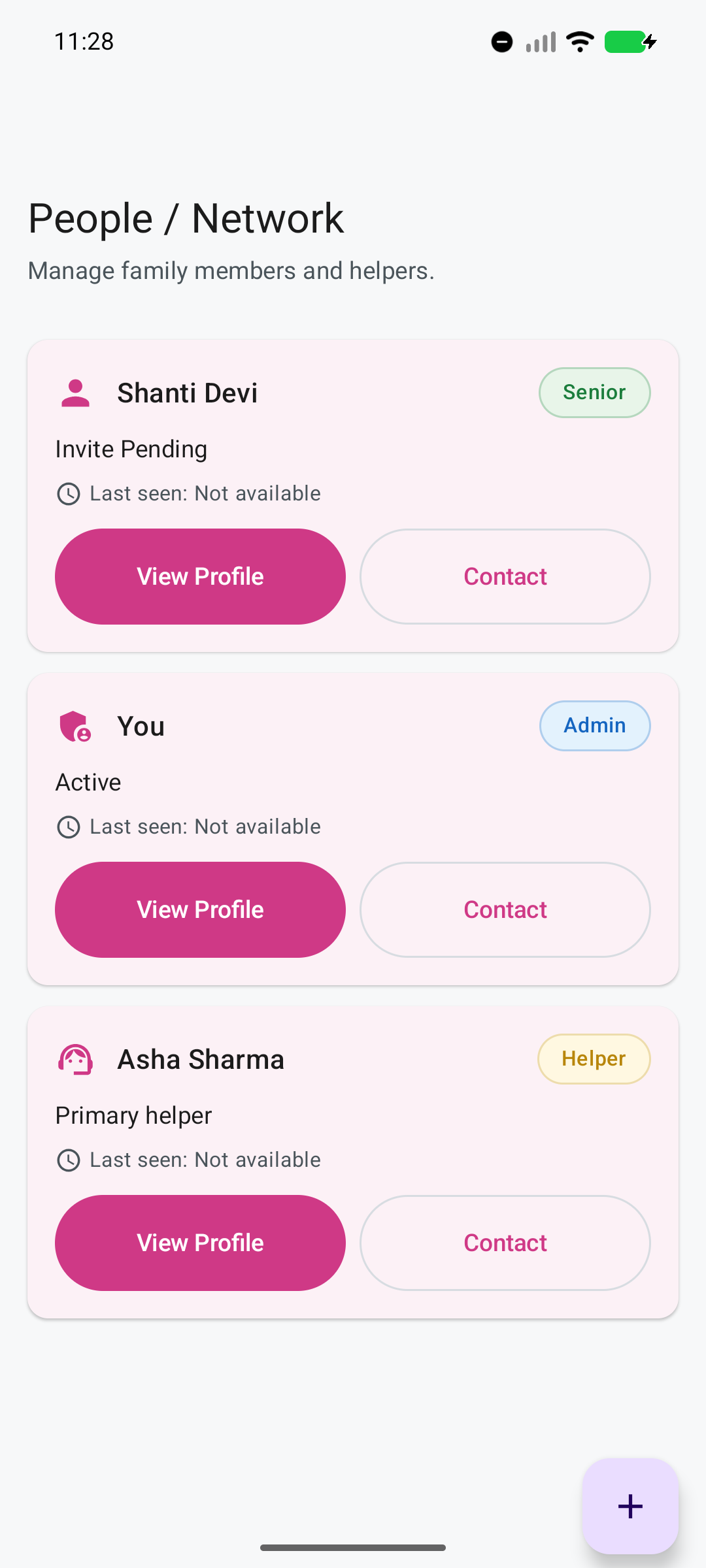
The Family Admin manages the whole picture while each participant sees the work and actions appropriate to their role.
A family can involve siblings, Rukshaks, and responders according to what each person is expected to do.
Set check-ins, visits, medicines, meals, walks, appointments, and the people responsible.
Record outcomes, arrivals, notes, service results, report context, and follow-up dates.
Bring missed work, medicine stock risk, health concerns, and open exceptions forward.
Assign ownership, preserve the timeline, escalate when needed, and close the loop.
Doctor visits, diagnostics, pharmacy, transport, and home-care requests are useful only when the family can see what happened and what comes next.
Ruxum currently coordinates these handoffs; it does not book or fulfil third-party services through provider APIs.
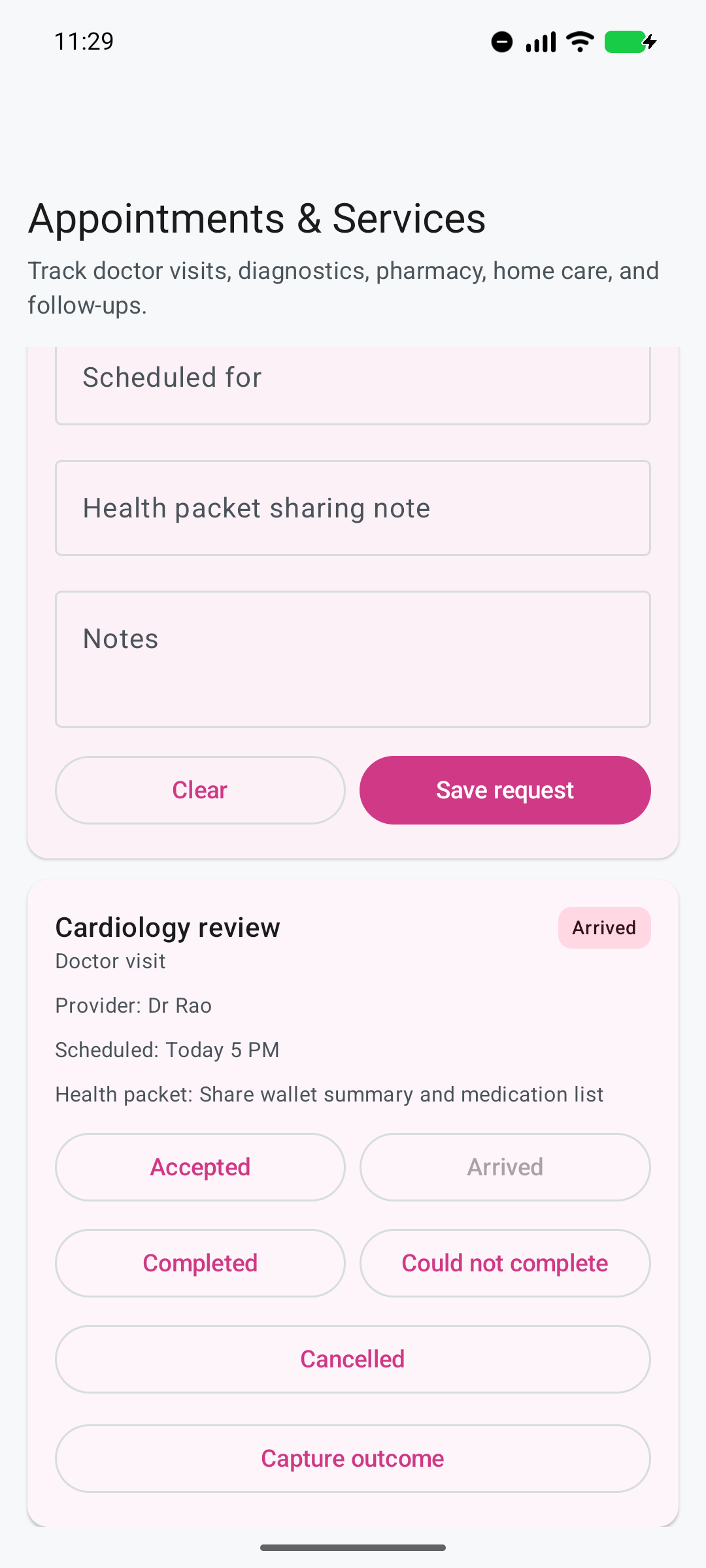
A service request can carry its outcome and follow-up instead of ending at “appointment booked.”
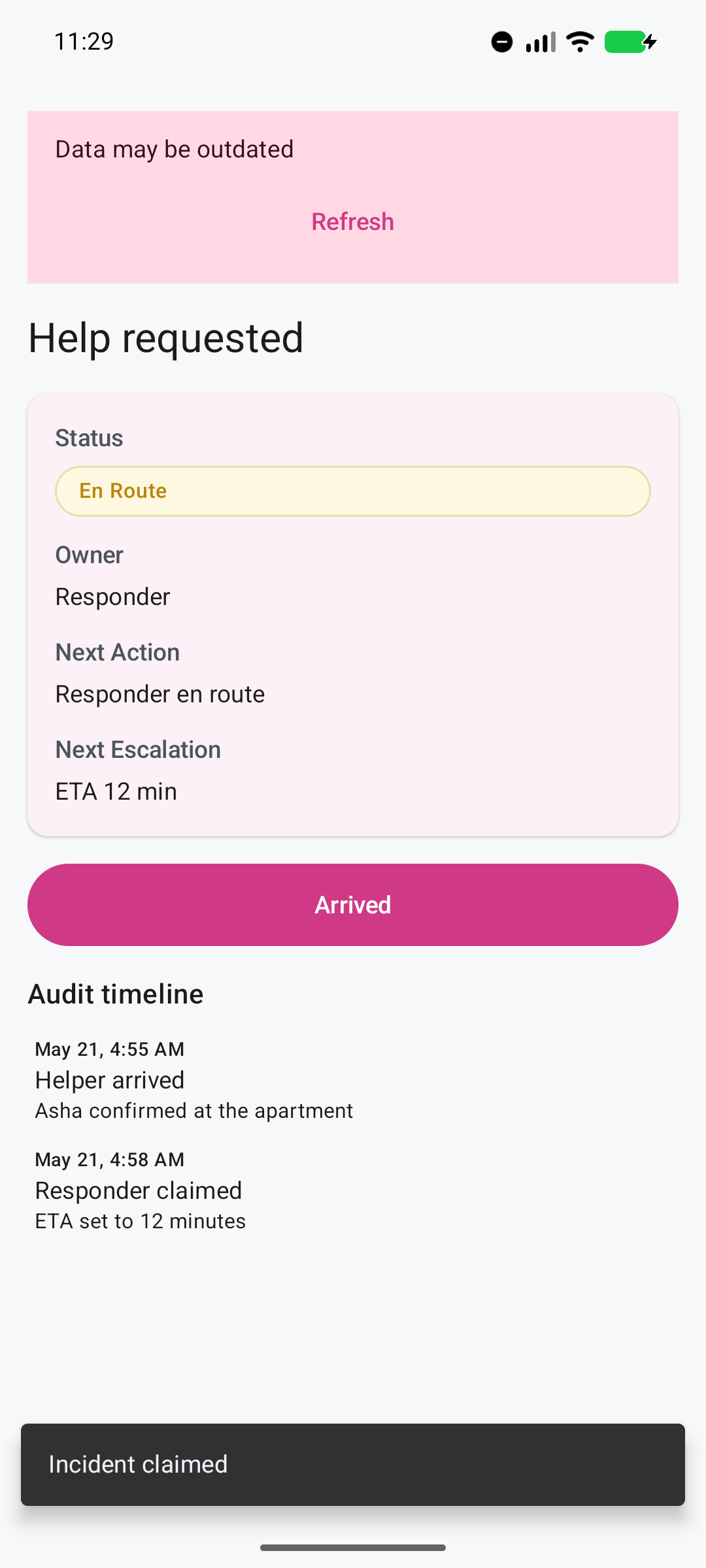
The family can follow the incident state, responder claim, ETA, arrival, resolution, and escalation timeline.
The Senior can request help from a simpler home screen. Family and responders can then see who owns the incident and what should happen next.
If there is an immediate threat to life or safety, contact 112 or the appropriate local emergency service. Ruxum does not dispatch an ambulance, provide medical advice, or guarantee a response.
Compatible data and permissions can reduce uncertainty, but every signal has freshness, coverage, and interpretation limits.
Use compatible health data only when it is available and permission has been granted.
See bounded context about recent phone activity rather than assuming it proves how the Senior is doing.
Use optional location permission for bounded status—not continuous live tracking.
Run a visible 30-minute Bluetooth session that can suggest a Rukshak phone was nearby without completing the task automatically.
Reduce routine notification noise while keeping urgent help visible.
Keep monitoring setup, permissions, notification state, and limitations visible to the family.
Organize medicine intake, reminders, recorded outcomes, optional stock risk, and a preferred-chemist refill handoff.
Prepare a Health Packet and a dated summary for an agreed hospital or responder handoff. Review what you share; copied text does not erase itself.
Yes. Ruxum gives the Family Admin, Senior, family members, Rukshaks, and responders role-aware views of one shared care network. You can coordinate routines, medicines, appointments, exceptions, and urgent-response ownership across locations.
Care today brings due and later tasks, medicine state, open exceptions, bounded health context, and ownership into one summary. It reflects information available to Ruxum and is not independent proof that care occurred.
Yes. A trusted helper can use the Rukshak role for assigned work. Families can also use invite codes, SMS or WhatsApp sharing, and secure Rukshak links for bounded participation.
No. Optional Health Connect, phone-activity, home or away, and paired-phone presence features depend on compatible data, permissions, consent, and freshness. They are bounded context—not continuous surveillance or proof.
No. Ruxum is a care-coordination and information-organization tool. It does not provide hands-on care, medical advice, diagnosis, ambulance dispatch, or guaranteed emergency response.
Add the rest of the network after the family has one useful daily care loop working.